E-Waste Recycling in Dubai: Where Your Old Electronics Can Go
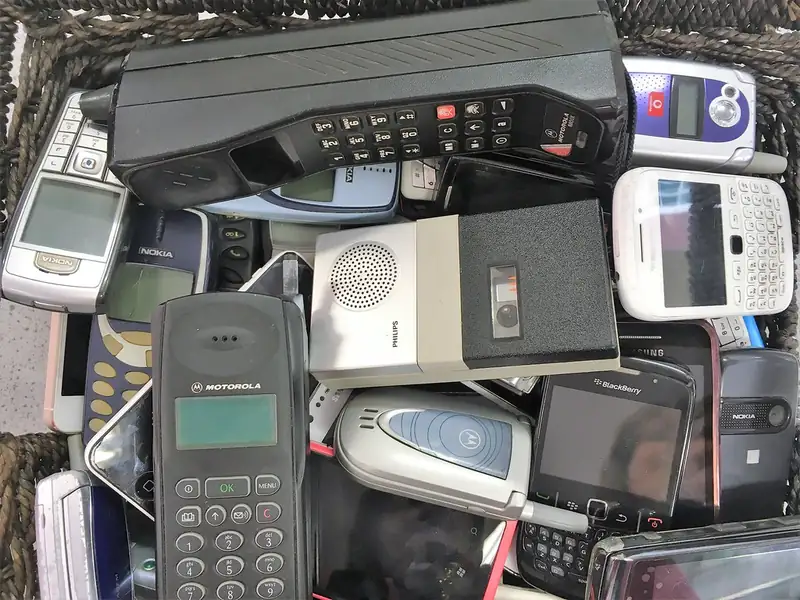
That drawer of dead phones, the old laptop, the tangle of chargers, the TV in the store room: none of it belongs in the bin. Here are the e-waste options in Dubai we checked, from free drop-off points to home pickup.
The short version
- Dubai Municipality's Smart Sustainability Oasis points accept e-waste and batteries.
- ReLoop offers app-booked home pickup (the first household pickup is free) and a drop-off in Al Qusais Industrial Area 4.
- WAT runs electronics recycling boxes, including one at the municipality's office in Abu Hail.
- Always wipe devices and remove SIM and memory cards first.
Before anything else: wipe your data
Whichever option you choose, clear your personal data first:
- Phones and tablets: back up, sign out of your Apple ID or Google account (this removes the activation lock), then factory reset. Take out the SIM and any memory card.
- Laptops and desktops: back up, sign out of cloud accounts, then use the reset that removes everything. If in doubt, remove the drive and keep it.
- Printers and routers: factory reset them. Printers can store scanned documents and routers store your Wi-Fi password.
Option 1: Dubai Municipality's Smart Sustainability Oasis points
The municipality runs recycling stations called Smart Sustainability Oasis. Its page for the Mirdif Park station says the centres accept 18 types of recyclable material "such as paper, cardboard, plastic, metal packages, glass, used clothes and fabric waste, rubber, leather, wood, electronic waste, batteries and others", and lists the Mirdif station as open every day, around the clock.
Locations on the municipality's list include:
- Al Satwa Park
- Mirdif Park (Makani 40741 90172)
- The Quranic Park
- Al Tawar Centre
- Al Nahda 2 Pond Park
- Hatta Centre
The list runs to more than one page, so check the municipality's website for a station near you. These points suit small electronics: phones, chargers, cables, small gadgets and batteries.
Option 2: ReLoop (home pickup or drop-off)
ReLoop is a private electronics recycler covering Dubai, Sharjah and Abu Dhabi. According to its website:
- Home collections are booked in the ReLoop app, and the first household pickup is free. You leave items outside your door on collection day; pickups run between 8am and 6pm.
- It accepts phones, laptops, tablets, monitors, printers, routers, cables, chargers and fans; small kitchen appliances, televisions, washing machines and refrigerators; and batteries, lamps and ink cartridges.
- Drop-off is free at its Dubai facility in Al Qusais Industrial Area 4. Contact them first to confirm visiting arrangements.
- Recycling earns points: electronics earn 10 points per kilogram, which it says is equivalent to AED 1.
Option 3: WAT collection boxes
WAT is an electronics recycling company with collection boxes around Dubai. When we checked its website, public boxes included ones at In5 Tech in Dubai Internet City, Profile Residence and Eagle Heights in Sports City, Emicool's head office, and the Dubai Municipality Environment and Waste Management office in Abu Hail (listed with 08:00 to 20:00 hours that day). Check its site for what fits in each box before you go.
Option 4: Sell, trade in or pass it on
Working phones, laptops and tablets still have value. Trade-in offers at phone shops, Dubizzle, or a friend who needs a spare laptop all keep a device in use longer, which is better than any recycling. Just wipe it first.
Option 5: Big electronics and bulk loads
TVs, desktop PCs, monitors and printers are bulky. Dubai Municipality's free bulky waste service includes "electrical or electronic waste": request it on WhatsApp 800900, with items at ground level. For bigger loads, office clear-outs, or collection from inside your home, a private pickup works. We collect electronics across Dubai, and working items usually go free; see e-waste disposal.
Batteries: handle with care
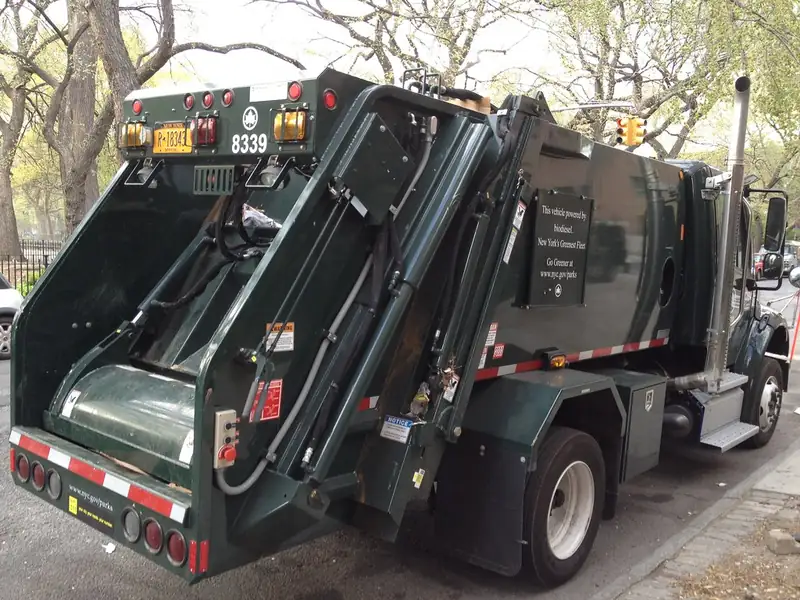
Lithium batteries, from phones, laptops, power banks, vapes and e-scooters, are a fire risk when damaged or crushed. Never put them in household bins, where they end up compressed inside a garbage truck. Tape over the terminals of loose batteries and take them to a recycling point. Swollen batteries should go in a container on their own, away from anything flammable.
Why it matters
Electronics contain recoverable materials, like copper, aluminium and small amounts of precious metals, as well as substances that shouldn't reach landfill, such as lead in old screens and the chemistry inside batteries. Recycling them properly keeps both in the right place.
Wiping your devices, step by step
Menus change between software versions, but these are the usual routes:
iPhone or iPad
- Back up to iCloud or a computer.
- Go to Settings > General > Transfer or Reset iPhone > Erase All Content and Settings.
- Enter your Apple ID password when asked. This also removes Activation Lock.
- Take out the SIM card.
Android phone or tablet
- Back up your photos and contacts.
- Remove your Google account under Settings > Accounts.
- Go to Settings > System > Reset options > Erase all data (factory reset). Some brands put it under General management.
- Take out the SIM and any memory card.
Windows laptop or PC
- Back up your files.
- Go to Settings > System > Recovery > Reset this PC > Remove everything, and choose to clean the drive.
Mac
- Back up with Time Machine or iCloud.
- On recent Macs, go to System Settings > General > Transfer or Reset > Erase All Content and Settings. Older Macs are erased from macOS Recovery.
Can't wipe a device because it won't turn on? Remove the hard drive or SSD if you can, or ask a recycler about data destruction before you hand it over.
Keep working devices in use
Recycling is the last step, not the first. A five-year-old laptop is still a perfectly good machine for a student, and an old phone makes a decent spare. Trade-in offers, Dubizzle, or simply asking around your office or building group all keep devices in use for longer. Just wipe them first.
For offices: a simple e-waste routine
- Keep one box or cupboard for dead and retired equipment, so it doesn't spread across desks.
- Wipe or remove drives as soon as a device is retired, not on collection day.
- Keep a simple list of what went where, for your records.
- Book one collection when the cupboard is full, rather than dealing with one monitor at a time.
We collect office IT in bulk across Dubai: see e-waste disposal.
Quick answers
Where can I recycle electronics in Dubai for free?
Dubai Municipality's Smart Sustainability Oasis points accept e-waste and batteries, and private recyclers such as ReLoop offer free drop-off and a free first home pickup.
Can I throw old phones and batteries in the bin?
No. Lithium batteries can start fires in garbage trucks. Take them to a recycling point.
Does Dubai Municipality collect old TVs and computers?
Its free bulky waste service includes electronic waste. Request it on WhatsApp 800900; items usually need to be at ground level.
How do I wipe my phone before recycling it?
Back it up, sign out of your Apple ID or Google account, then factory reset. Remove the SIM and memory card.
Does a factory reset remove everything?
On modern phones a factory reset erases your data. Still sign out of your Apple ID or Google account first, so the next owner isn't blocked by activation lock.
Can I recycle a device that won't turn on?
Yes. If you can't wipe it, remove the storage drive if possible, or ask the recycler how they handle data before handing it over.
Sources we checked (27 Nov 2026). Rules and contact details change, so confirm with the organisation before you rely on them.
- Dubai Municipality: recycling centres (Smart Sustainability Oasis list)
- Dubai Municipality: Smart Sustainability Oasis, Mirdif Park (accepted materials and hours)
- ReLoop: e-waste recycling in the UAE (pickup, drop-off, accepted items)
- WAT: electronics recycling boxes in Dubai
- Khaleej Times: Dubai offers free bulk waste removal service via WhatsApp (24 April 2024)